


























Much of Money
Where your money goes, and why.
Home: spent this month, and every account
Track what you spend and what you eat, and finally understand both.
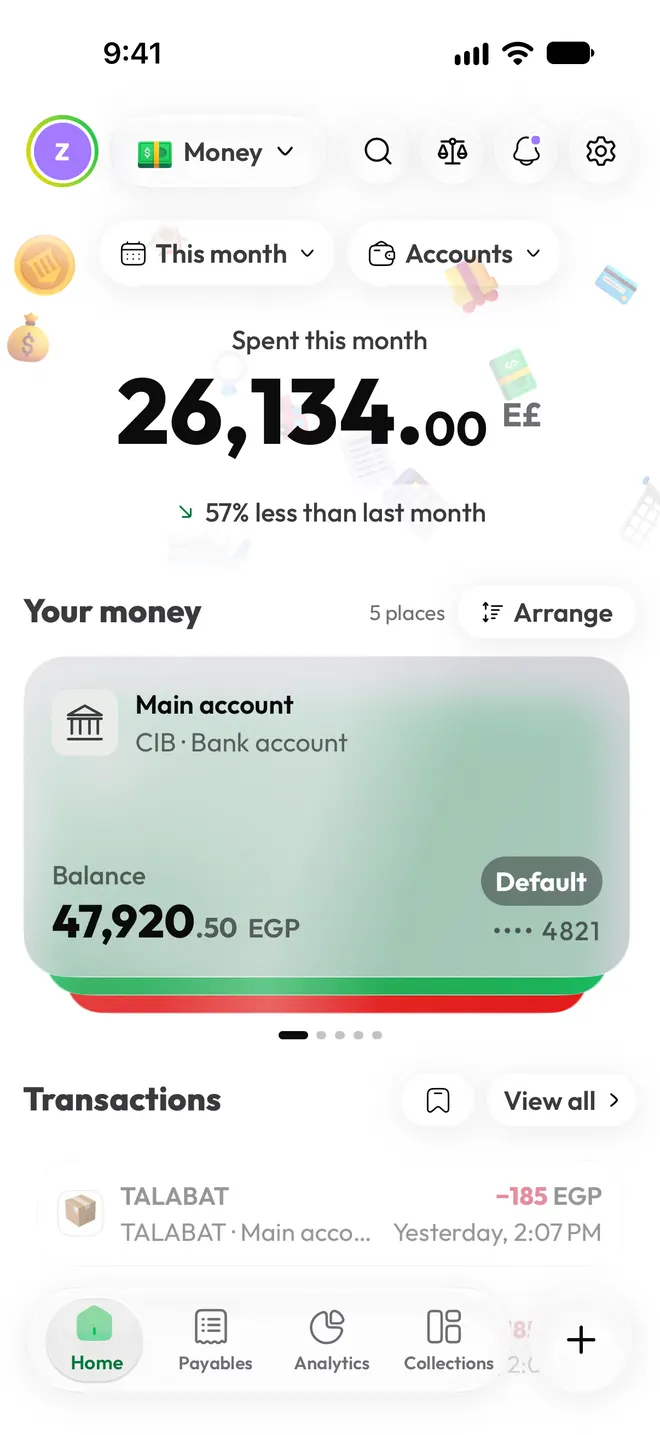
Most trackers show you a chart and leave you to work it out. Much tells you where the money went, what the food added up to, and one thing to try next.
The same way to log and the same calm explanations, for your money and your food. Switch between them with one tap.
Where your money goes, and why.
What you eat, and what it adds up to.
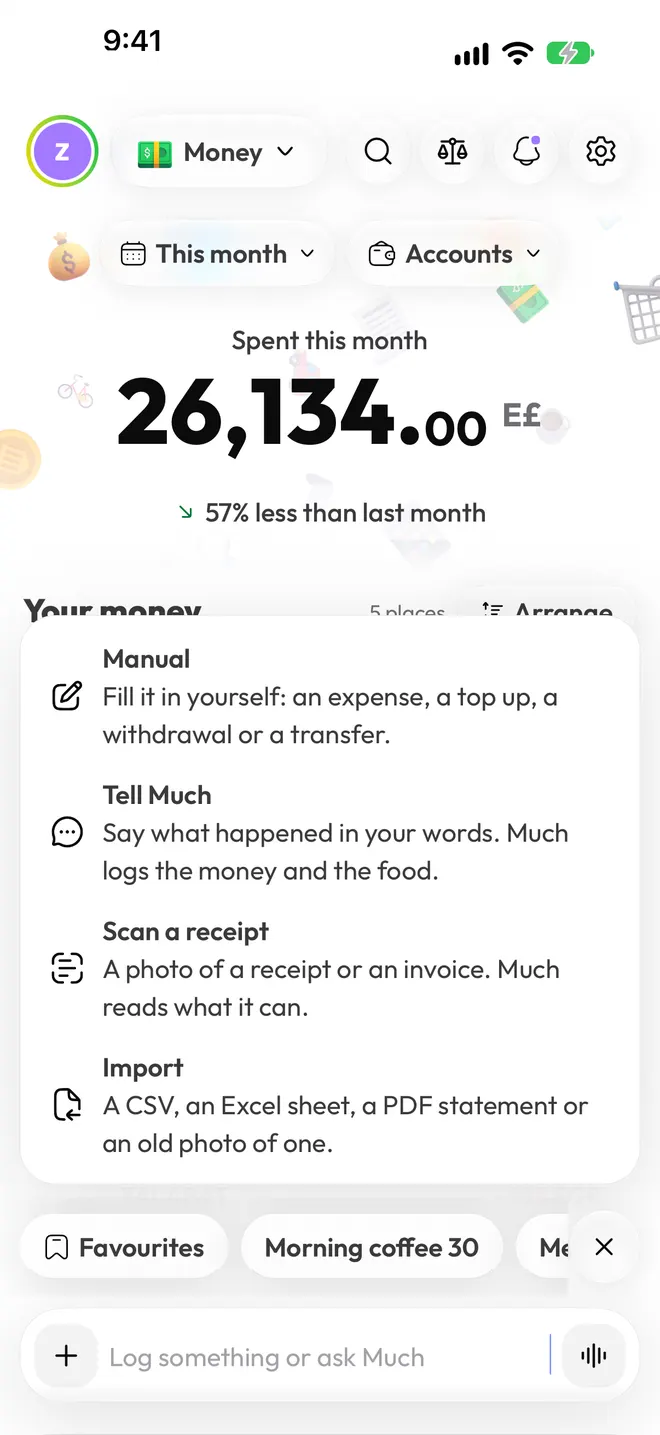
Logging takes seconds, in whatever way suits the moment.
Type a sentence or hold the mic and talk, in any language. "Koshary 85 and a Pepsi" becomes the payment and the food, in the right Much.
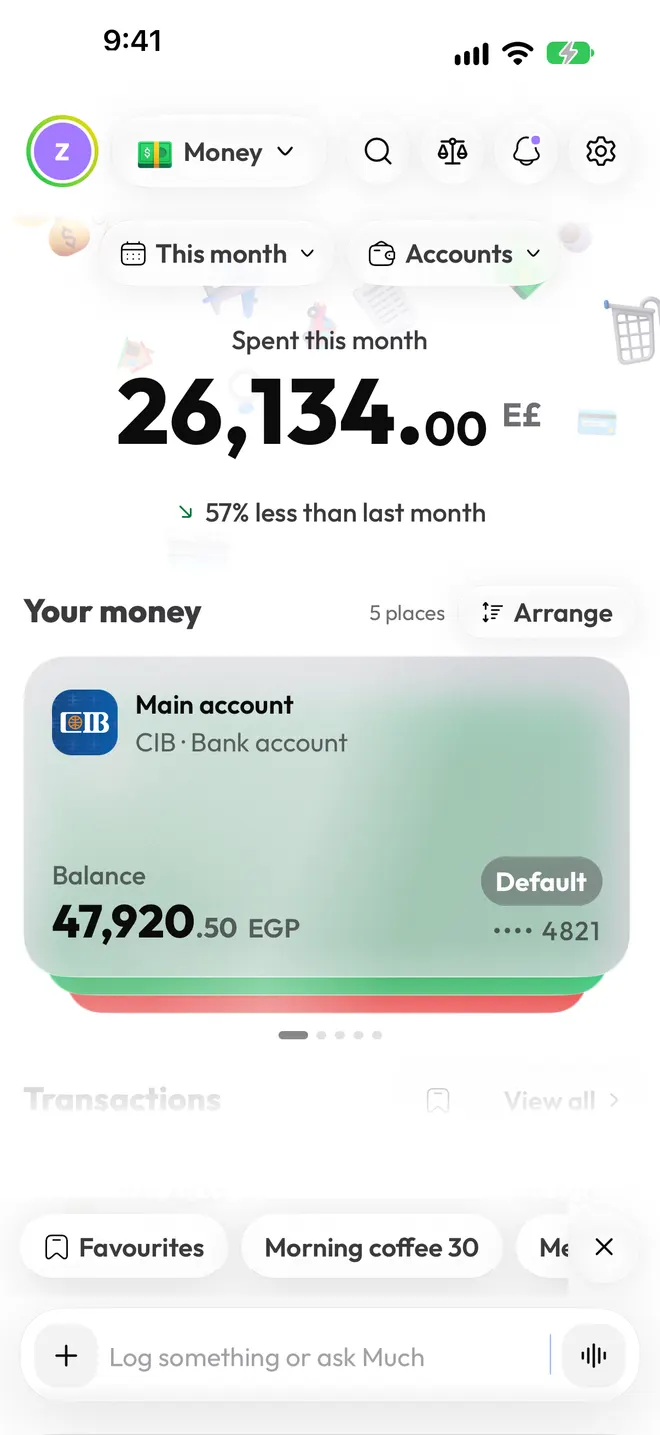
Scan a receipt or a nutrition label, photograph your plate, or import a CSV, an Excel sheet or a PDF statement. You check every item before it's saved.
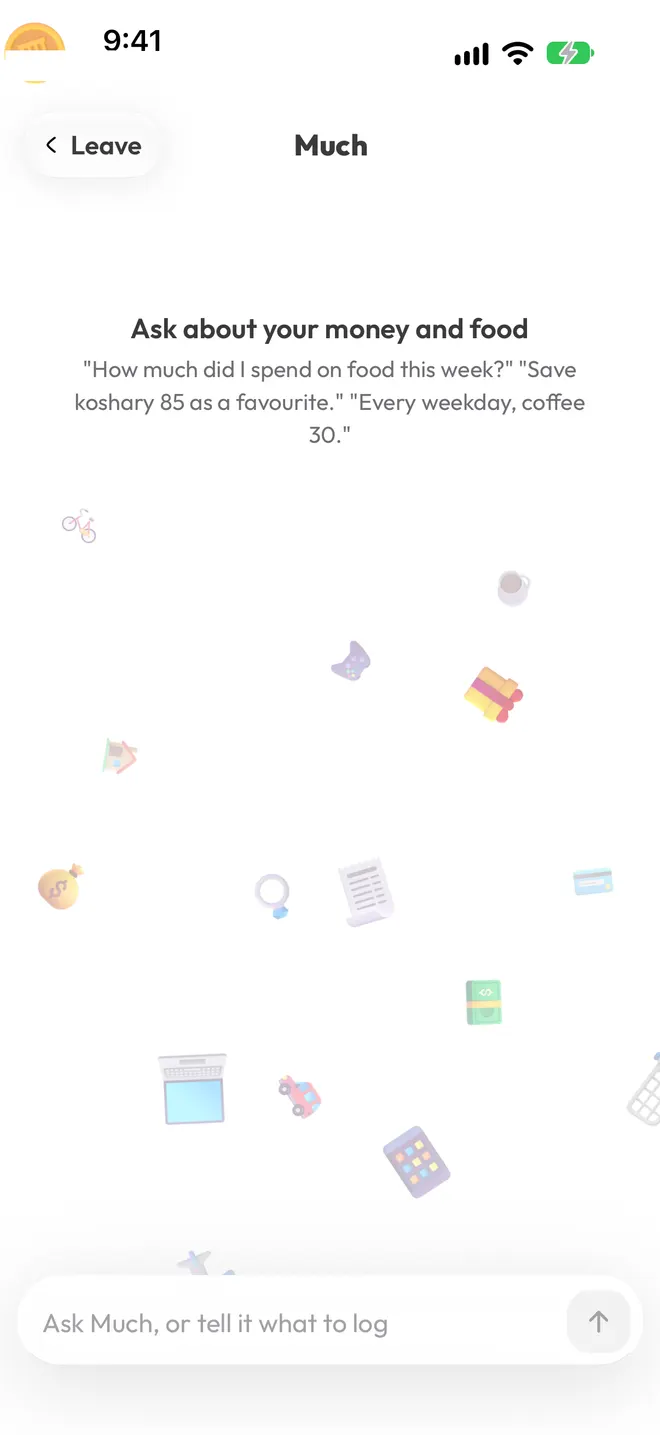
"How much did I spend on food this week?" Much answers from your own numbers, and can log or save a favourite while you chat.
Cash, cards, wallets and every currency you live in, in one calm place.
Your total for the period with how it compares, then a card for every account: bank cards, mobile wallets, cash. Each currency stays its own account and is never converted behind your back.
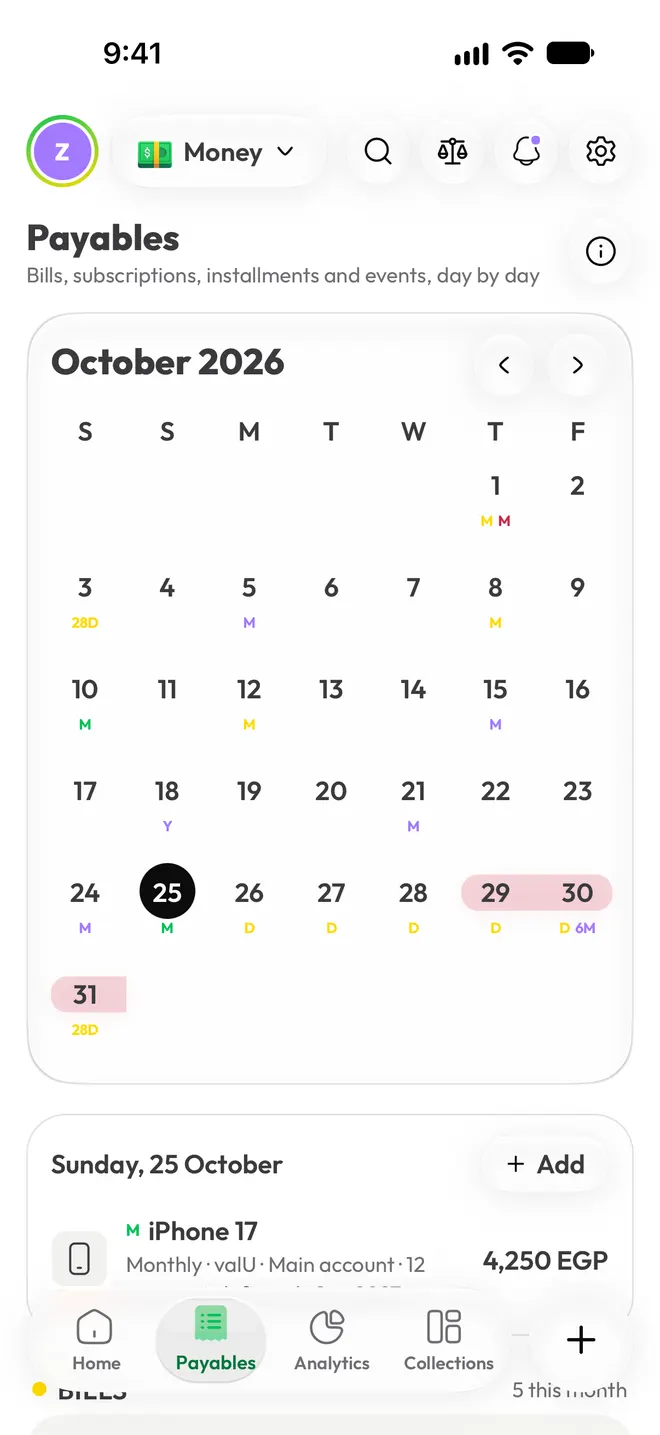
Bills, subscriptions, installments and events on one calendar, each with how often it repeats: weekly, every 28 days, monthly, yearly.
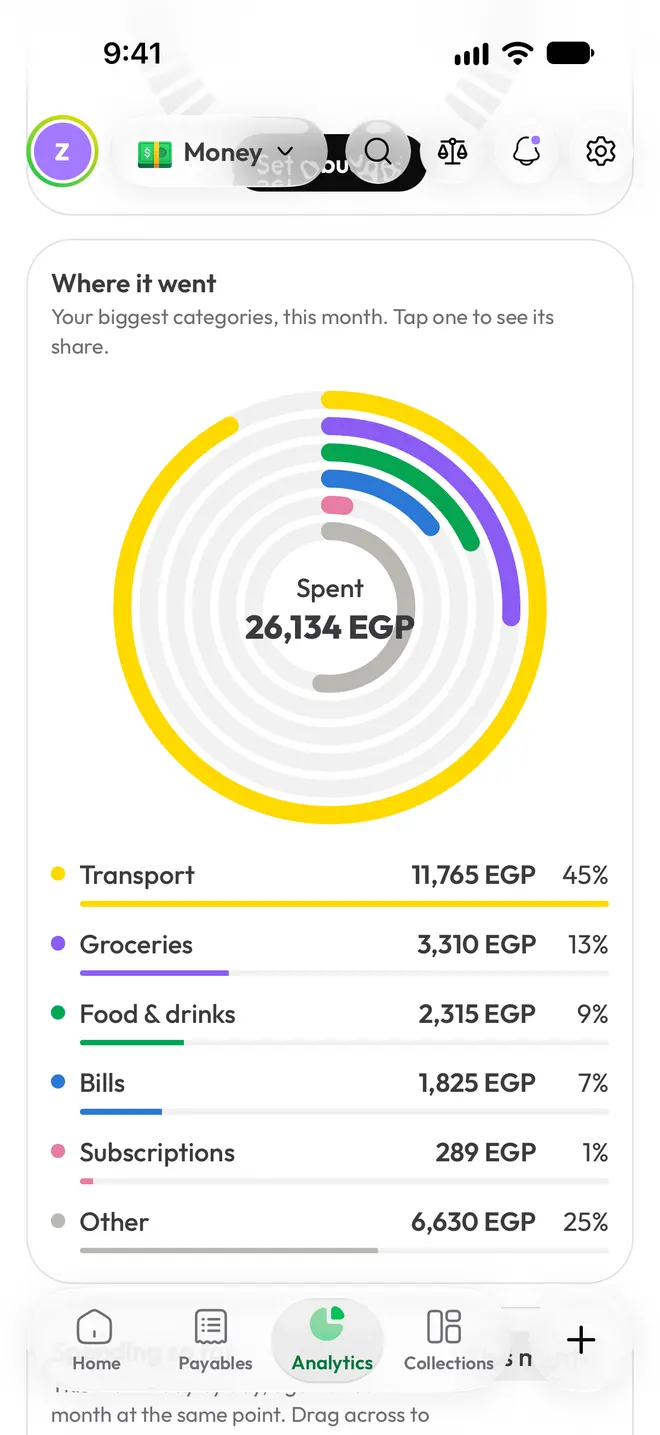
Budget health against where you should be by today, where the money went, your income's path from salary to savings, and every day of the month as a heatmap.
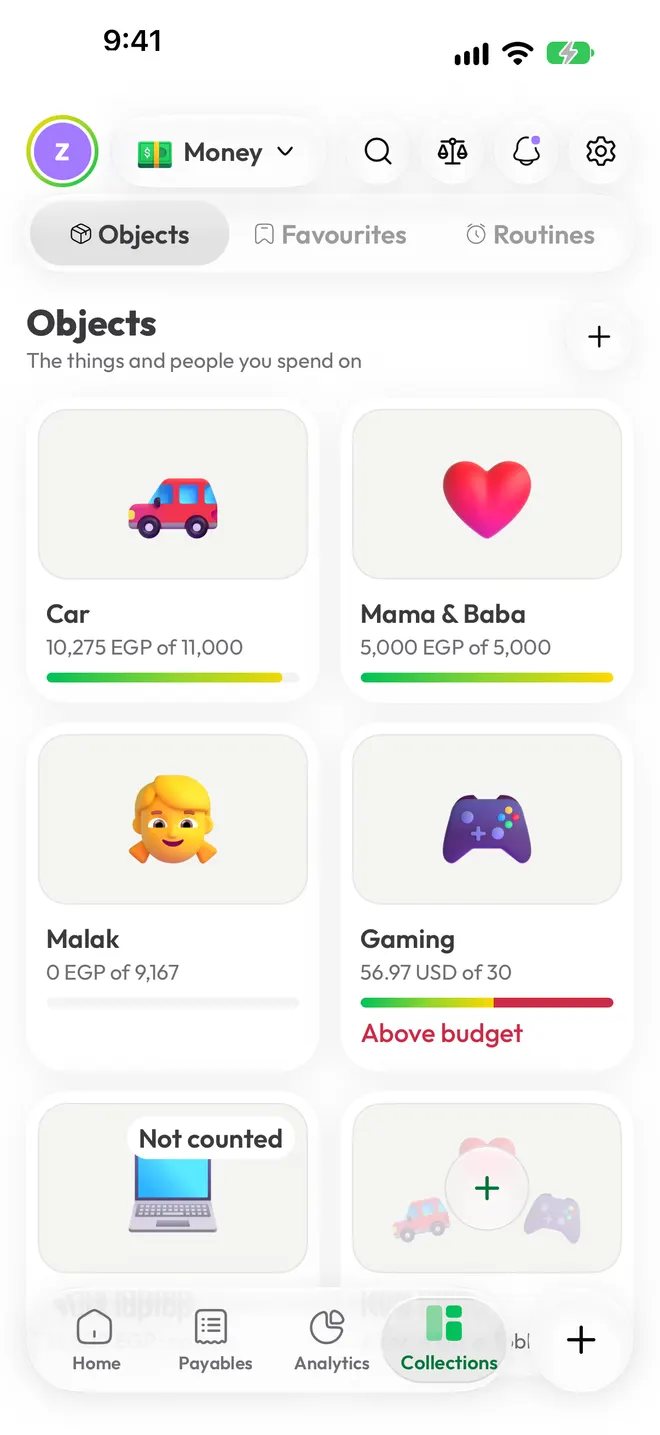
Group spending by the things and people it's for: the car, the kids, your parents. Save favourites for one-tap logging and routines for what repeats.
Real food, real portions, and numbers you can trust enough to act on.
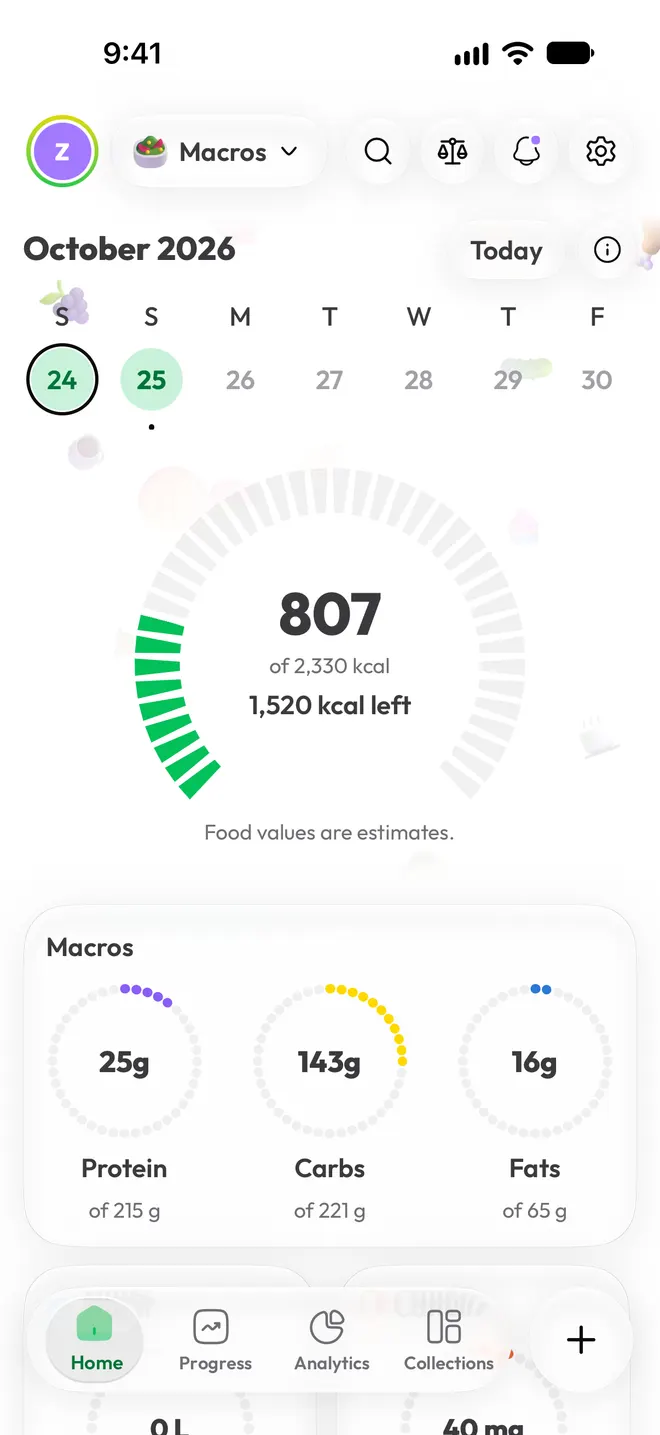
Calories against your plan, protein, carbs and fat as rings, water and caffeine in your own units, and your weight against your goal.
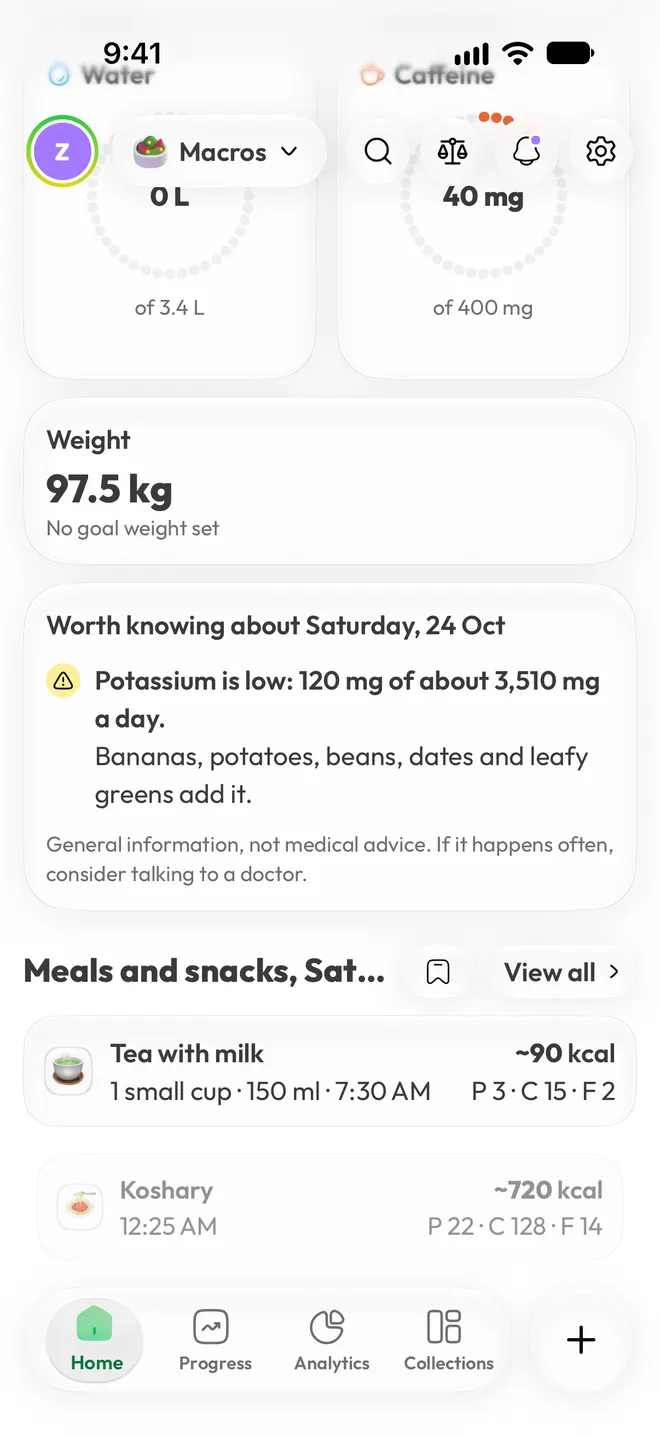
Koshary, ful, shawarma or sushi. Portions in your words, a plate, a bowl, a sandwich, a handful, and Much works out the grams and the macros.
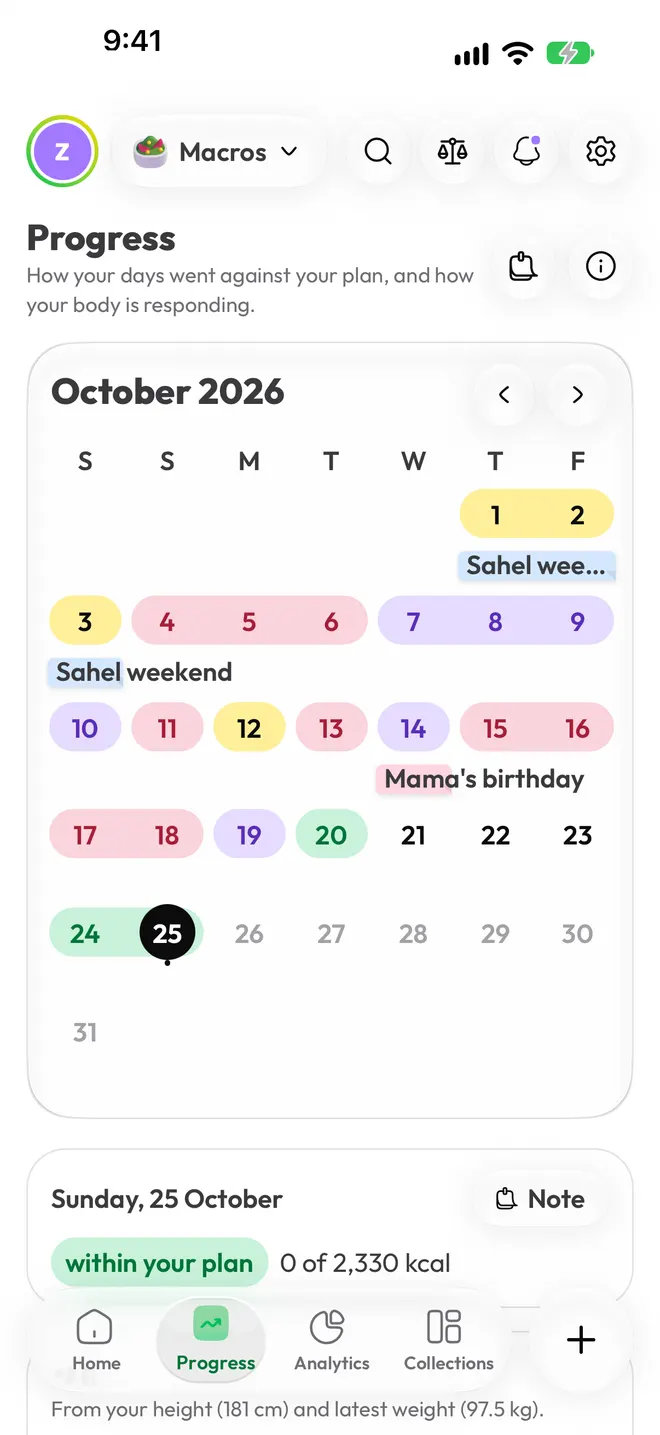
A calendar of your days against your plan, sticky notes for trips and birthdays, a weight trend that ignores daily swings, and a burn estimate from your own data.
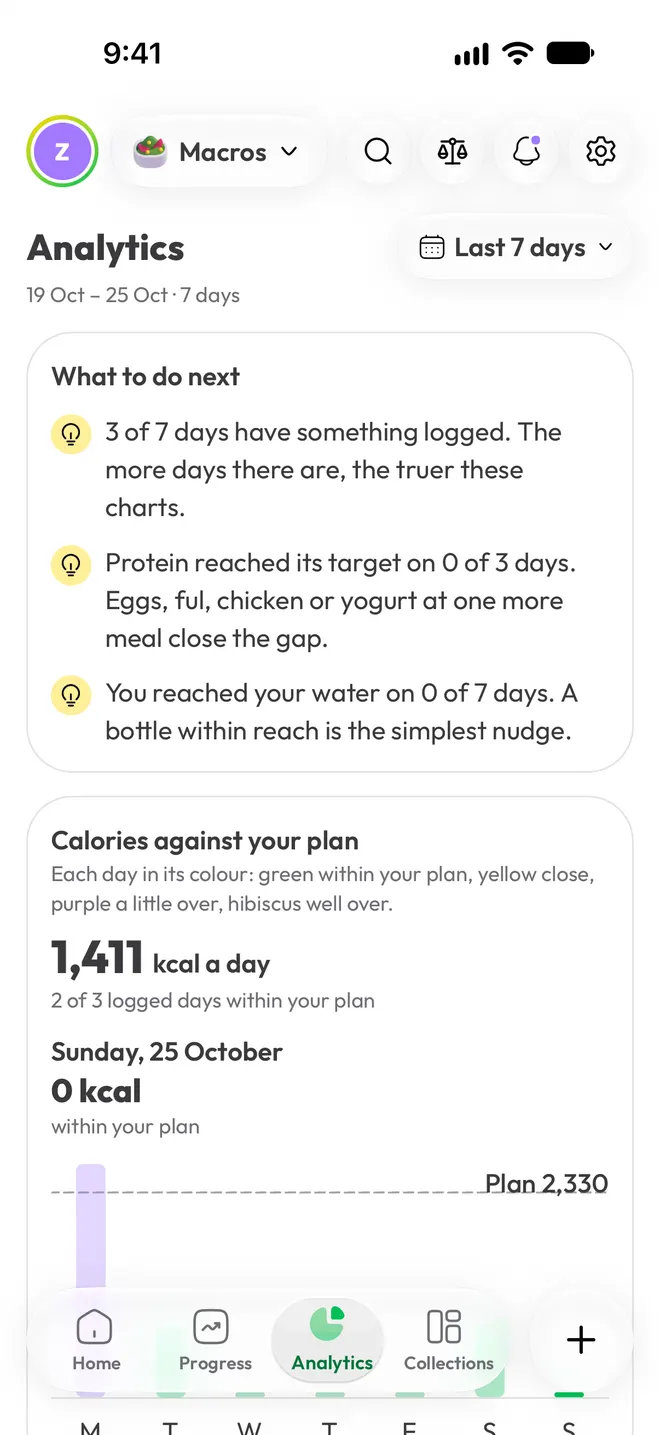
Analytics ends with plain suggestions from your week: which meal could carry more protein, and how close you came to your water.
Numbers tell you what happened. Much tells you why, and suggests one thing to try.
Edit the sentence, or try another day.
What Much logs
 BreadfastGroceriesE£ 1,140
 UberTransportE£ 95
 Lunch with OmarEating outE£ 260
Most of it went on groceries, 76% of the total.
A demo on this page. The app reads anything you write or say, in any language.
Every number you see is calculated from your own data. The AI only puts it into words, so totals, averages and calories are always exact.
Every morning
 Morning insight
Protein was low three evenings in a row. Yogurt or eggs with dinner would close most of the gap.
Every Friday
Your weekly story
Food delivery came to E£ 2,860, a third more than usual. Most of it was Thursday nights. Try cooking one of those nights.
Any time
Ask Much
How much did I spend on coffee this month? E£ 860 across 14 cups, about the same as September.
What you log is saved on your phone, encrypted, then synced to servers in the EU.
They're read on your phone. The message text never reaches our servers.
We count taps to make Much better, never what you log. You can turn even that off.
Export or delete everything, any time, from Settings.
Free, on iPhone first and Android soon after. Leave your email and we'll write once, when it's ready for your phone.
Join the waitlist